Identifying speakers in a sample
A speaker list and audio previews support identifying the people in a recording and selecting whose speech is analyzed.
Work done August 23–25, 2026 · Last edited September 25, 2026
On this page
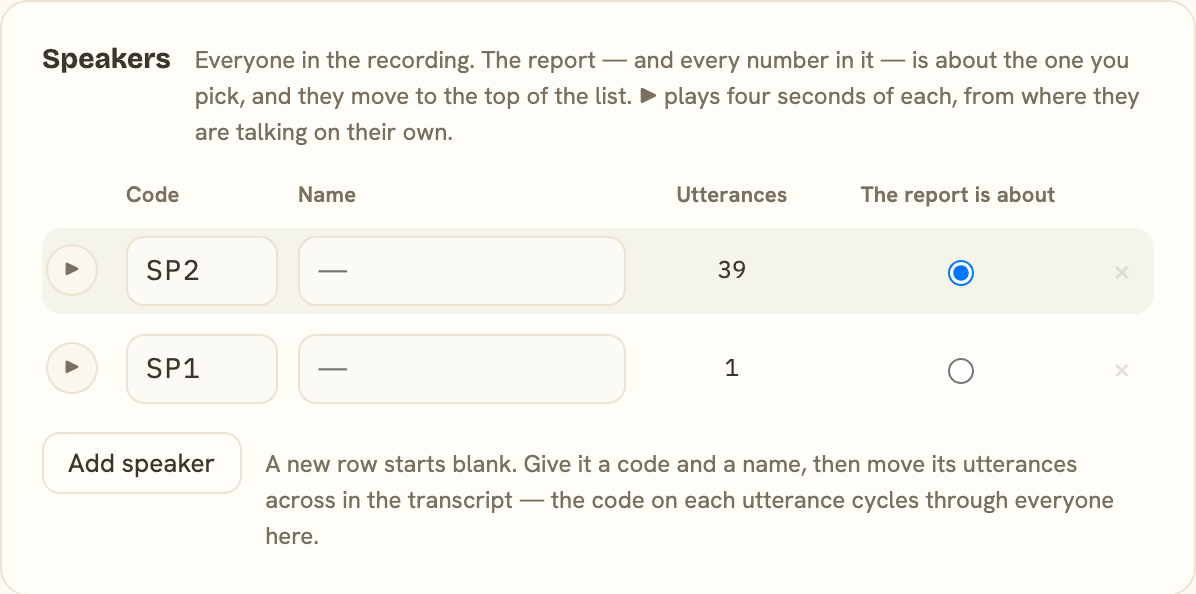
Arc now supports a list of speakers for each sample, with a name and code for each person. This accommodates recordings with more than two speakers and provides a place to review the speaker assignments in an automatic transcript.
Identifying voices from the recording
Each speaker has an audio preview drawn from a stretch where their voice is most prominent. Listening to these previews helps connect the speaker labels in the transcript with the people in the recording.
Speakers can be added when the automatic transcript has missed someone. An unused speaker entry can be removed after its utterances have been reassigned.
Choosing whose speech is analyzed
One speaker is selected as the subject of the analysis. The report uses that selection to determine whose speech contributes to the measures, keeping that choice separate from the labels assigned by the transcription service.
The selected speaker’s utterances are distinguished by color in the transcript, making them easier to follow among the other speakers’ turns.